Parse Once, Ask Everything
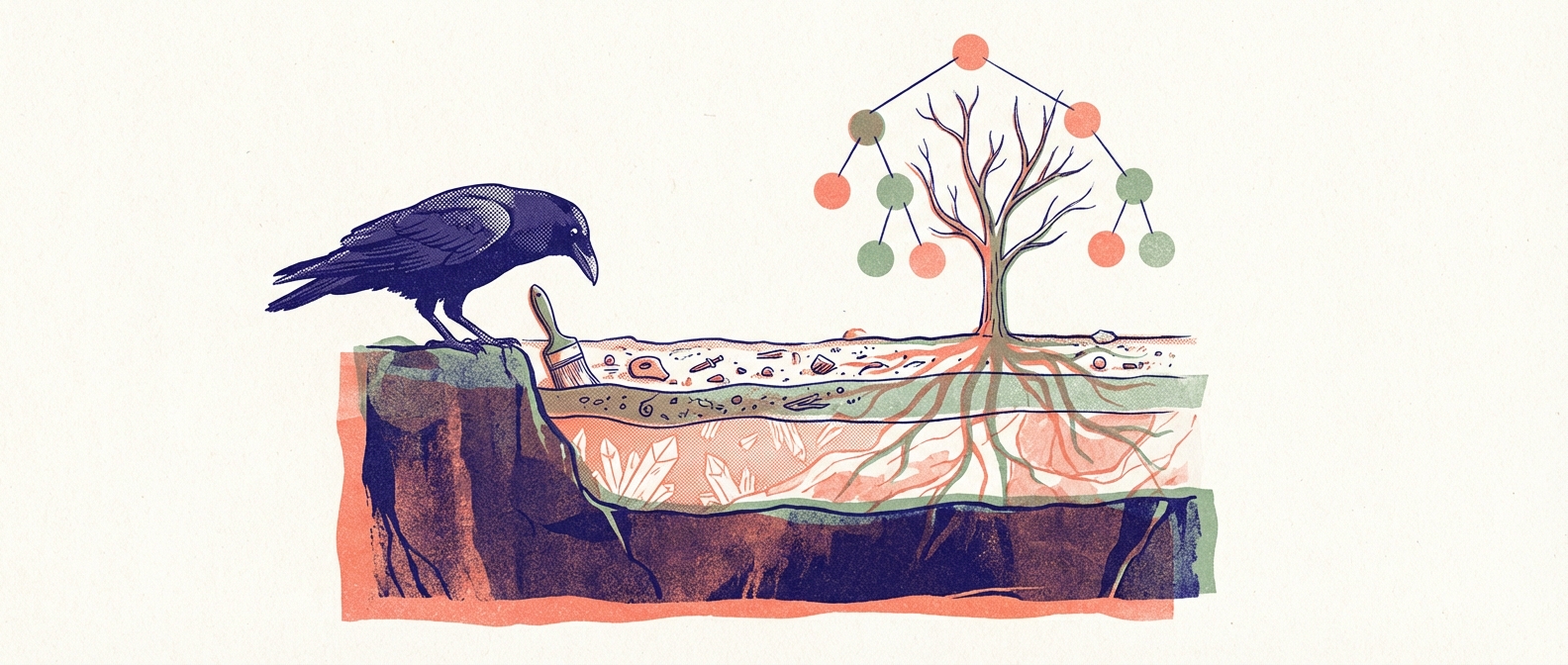
When you hand an AI agent an unfamiliar codebase, it does what any developer would: it reads files. Lots of files. Often not the most useful ones first. And when it needs to answer a second question, it reads them all again.
Over the past two months, our skills collection accumulated four different tools for understanding code: mapping-codebases generated static structural maps. exploring-codebases ran ripgrep with AST expansion. searching-codebases did TF-IDF semantic search. And generating-lattice produced bidirectional knowledge graphs anchored to source symbols.
Each one worked. Each one parsed the codebase from scratch every time it ran. And each one answered a slightly different question while ignoring what the others already knew.
Today we shipped two new skills that collapse that pile into a clean stack — and made two of the old ones obsolete in the process.
The Quiet Power of tree-sitter
Before getting to what we built, it's worth pausing on the technology underneath all of it: tree-sitter. If you haven't worked with it directly, tree-sitter is a parser generator that produces incremental, error-tolerant parsers for source code. It parses a 10,000-line Python file in about 3 milliseconds. It handles syntax errors gracefully — no "unexpected token" bail-outs. And because the output is a concrete syntax tree, you get the full structural picture: every function signature, every class boundary, every scope relationship, with byte-precise ranges.
For AI agents working with code, this is transformative. Instead of reading a file to find out what's in it, you parse it once and ask structured questions: "what are the public methods of this class?" or "show me the function that starts at line 142." The tree is the index. Querying it is essentially free.
The question was never whether to use tree-sitter — all four of our code understanding skills already did. The question was whether to keep parsing the same files four separate times.
tree-sitting: Parse Once, Query Forever
tree-sitting is an in-memory AST cache exposed as an MCP server. You point it at a directory, it parses every source file into a syntax tree (~700ms for a 250-file repo), builds a symbol index, and then answers structural queries for the rest of the session. Every query after the initial scan takes less than a millisecond.
The key architectural choice: the server runs as a long-lived process alongside the agent. In Claude Code, it's a FastMCP server over stdio — the process starts once, holds the parsed ASTs in memory, and serves tool calls for the entire coding session. Scan a repo at the start of a task, then make fifty queries without paying the parse cost again. In Claude.ai's ephemeral containers, the same engine runs as direct Python calls within a single bash invocation — one parse, then as many queries as you need in the same process.
It exposes seven operations: scan to parse, tree_overview for the directory tree with counts, dir_overview for the files and symbols in one directory, find_symbol for glob search across the codebase, file_symbols for the full API of a single file, get_source to read a specific implementation, and references to find where a symbol is used.
That's the same information mapping-codebases produced as static Markdown files — but live, queryable, and current. You don't generate a map and then read the map. You ask the question and get the answer.
Under the hood, symbol extraction works in three tiers. Ten languages (Python, C, Go, Rust, JavaScript, TypeScript, TSX, Ruby, Java, Markdown) have custom extractors that pull signatures, doc comments, and class/method hierarchy. Three more (Java, C++, C#) use tags.scm queries from the tree-sitter community. Everything else gets a generic heuristic that's correct about 80% of the time. The tiers compose: if a custom extractor exists, use it. If not, try tags.scm. If that's not available, fall back to heuristics.
featuring: What the Code Does, Not Just What It Contains
Structural maps tell you what symbols exist. They don't tell you why those symbols exist or what they accomplish together. A function called validate_token could be part of an authentication system, a JWT library, a lexer, or a CSRF middleware. The name is a hint. The feature context is the answer.
This is the itch that lat.md scratched so well. The lat.md project showed that anchoring prose documentation to specific source symbols — and validating those anchors automatically — turns architecture docs from wishful thinking into something a CI pipeline can enforce. Our generating-lattice skill wrapped lat.md's approach: bidirectional wiki links between concept docs and source code, with a validator catching drift in both directions. It worked. But the bidirectional requirement — annotating source files with @lat: comments pointing back at the docs — added friction that made the lattice expensive to maintain and awkward to adopt.
featuring takes the patterns we valued from lat.md and reimagines the delivery. It generates _FEATURES.md files — top-down documentation organized by capability, not by folder structure, anchored to specific source symbols. These are committed artifacts, checked into the repo alongside the code, meant to be read by humans and agents alike. They answer "what can you do with this codebase?" in a way that helps you navigate with purpose.
The generation follows a three-pass synthesis. Pass 1 is orientation: a quick scan via tree-sitting that produces a hypothesis about the codebase's purpose and capability areas. This hypothesis will be wrong or incomplete. That's the point — it's a frame to challenge, not a conclusion to defend. Pass 2 is detailed feature extraction: for each capability area, gather the implementing symbols, understand how they collaborate, identify constraints and invariants, and write the feature section. During this pass, capabilities get discovered, merged, or decomposed. Pass 3 is the overview rewrite: the summary is written last, after all features are understood, not first as a guess.
For large codebases, the root _FEATURES.md decomposes into sub-feature files linked by capability area. The hierarchy follows the feature structure, not the folder structure. An agent starts at the root and drills into sub-files only when working on a relevant area. Each sub-file link includes "read when" guidance — a sentence saying when this particular area is worth diving into.
The sync mechanism is deliberately one-directional: check.py validates that file#symbol references in the feature docs still resolve in the live codebase via tree-sitting. When a function gets renamed or deleted, the check catches it. When new API surfaces appear, the check flags them as uncovered. No source annotations required, no static map files to keep in sync — just the feature docs pointing at the code, and a validator confirming the pointers still land.
What This Enables
tree-sitting gives you the structural layer. featuring gives you the semantic layer. Together they answer the two fundamental questions you have about unfamiliar code: "what's here?" and "what does it do?"
This lets exploring-codebases become what it always wanted to be: a workflow, not a tool. The new v1.0 chains tree-sitting (structural inventory) into featuring (feature synthesis) as a progressive disclosure sequence. Phase 1: scan the repo, get the directory tree, follow what looks interesting. Phase 2: drill into specific directories and symbols. Phase 3: synthesize features. No redundant parsing. No static files to generate and then read. The agent builds understanding iteratively from live queries.
searching-codebases v2.0 similarly benefits. Its --expand flag, which returns full function bodies around search matches, now uses tree-sitting's AST cache instead of re-parsing source files. And the two skills have clean separation: exploring-codebases is the divergent "what's here?" for first encounters. searching-codebases is the convergent "where is X?" for targeted queries.
What This Supersedes
Two skills have been outgrown.
mapping-codebases generated static _MAP.md files — Markdown documents listing every symbol with its signature, line number, and hierarchy. These were genuinely useful as committed navigation aids. But they were snapshots: you generated maps, committed them, and hoped nothing drifted too far before the next regeneration. tree-sitting's dir_overview and file_symbols produce the same information dynamically, from the current state of the code, in under a millisecond. The live query supersedes the static artifact.
mapping-codebases remains in the collection for now — generating-lattice still uses it for its structural scan phase, and some workflows depend on the Markdown output. But for code navigation and exploration, tree-sitting is the path forward.
generating-lattice wrapped the lat.md project's excellent approach to source-anchored documentation. We owe it a real debt: lat.md demonstrated that wiki links to source symbols, validated by a CLI tool, could make architecture documentation enforceable rather than aspirational. The bidirectional linking — docs pointing at code, code pointing at docs, a validator checking both — was the right idea.
What didn't fit was the weight. Annotating source files with @lat: backlinks meant touching every file the lattice referenced. Installing and maintaining a Node.js CLI added a dependency that didn't compose naturally with our Python-based skill toolchain. And maintaining both directions of every link doubled the surface area for drift without doubling the value — in practice, it was always the docs-to-code direction that caught real problems.
featuring keeps what worked (symbol-anchored documentation, automated validation) and drops what didn't (source annotations, bidirectional maintenance). The _FEATURES.md files are committed artifacts like the lattice was, but they only point one way — and that turns out to be enough.
The Stack, Simplified
| Layer | Before | After |
|---|---|---|
| Structure (what's here) | mapping-codebases → static _MAP.md | tree-sitting → live AST cache |
| Semantics (what does it do) | generating-lattice → bidirectional lat.md/ | featuring → one-directional _FEATURES.md |
| Exploration (first encounter) | exploring-codebases → ripgrep + re-parse | exploring-codebases → tree-sitting + featuring |
| Search (find specific code) | searching-codebases → re-parse for context | searching-codebases → tree-sitting for context |
Four tools doing overlapping work with independent parse passes became two primitives that every higher-level operation shares. The structural layer parses once. The semantic layer synthesizes once. Everything else is queries.
The Observation
This consolidation wasn't planned as a single project. tree-sitting started as a prototype to share the parse that every tool was doing independently (issue #276, back in February). featuring started because tree-sitting's structural output naturally raised the question "OK, but what does this code do?" — and lat.md had already shown us the shape of the answer. exploring-codebases fell into place as the natural orchestration of both. And the supersessions emerged from noticing that the older tools had been stepping stones to something they couldn't quite reach on their own.
The pattern is probably general: when you find yourself building a fourth tool in the same space, it's worth asking whether the first three share an unextracted primitive. Not because the earlier tools were wrong — each one solved a real need and taught us something. But sometimes the right abstraction only becomes visible after you've built enough concrete things on top of the gap where it should be.